1Product
2Size
3Design
4Submit

What are you making?

Pick a product to start designing.

Stickers
Sticker Sheets Pick stickers, add a pastel border and we arrange them on an A4 sheet.
or
Button pins

Design custom button pins online

Morphii is a free online pin designer for custom button pins, lapel pins, pinback badges and memorial pins. Add your photo, stickers, text and colors right in your browser — no app to download — then see a 3D preview of your finished pin before you order.

Pin sizes

Choose from 25mm, 32mm, 37mm, 44mm, 58mm and 75mm round pins, perfect for events, giveaways, school and org merch, weddings, fan pins and keepsakes.

How it works

Pick a pin type and size, design it, submit, and get your save code. Order through our Shopee store and we print and ship your custom pins across the Philippines.

Pin guides

Custom button pins in the Philippines · Button pin size guide · Wedding giveaway pins · Memorial pins · Election campaign pins · School & organization pins · Fan pins

Choose a size

Start with a premade design?

Start with a template?

Before you upload
✕ Has a background
→
✓ Transparent PNG
PNG is an image format that can save a see-through (transparent) background instead of a solid color — that's the checkerboard pattern above. Most photo apps export JPG by default, which always has a solid background, so you may need to use a "remove background" tool first.
Layers
Drag to reorder — higher in the list means closer to the front.

Almost done!

We'll email you a save code and instructions for the next step.
🎉

Design Submitted!

Save this code — you'll need it after paying on Shopee.
1. Complete your payment on Shopee for this product.
2. Send your code (above) in a Shopee chat message to us.
3. We'll match it to this design and get it ready to print.
Print Preview
Drag to tilt
Design
Save as Template
Template Name
Type
Customers browse templates for this product grouped by type. Type a new one to create it, or reuse an existing one.
About This Preview
Cut line Safe area
This preview is watermarked for privacy — your printed pin will be clean.
Outside the Cut Line
Something's hanging past the cut line and won't fully print — drag it back inside the red circle.
Start a New Design?
Switching to a different product clears what you've built so far — this pin's design can't carry over. This can't be undone.
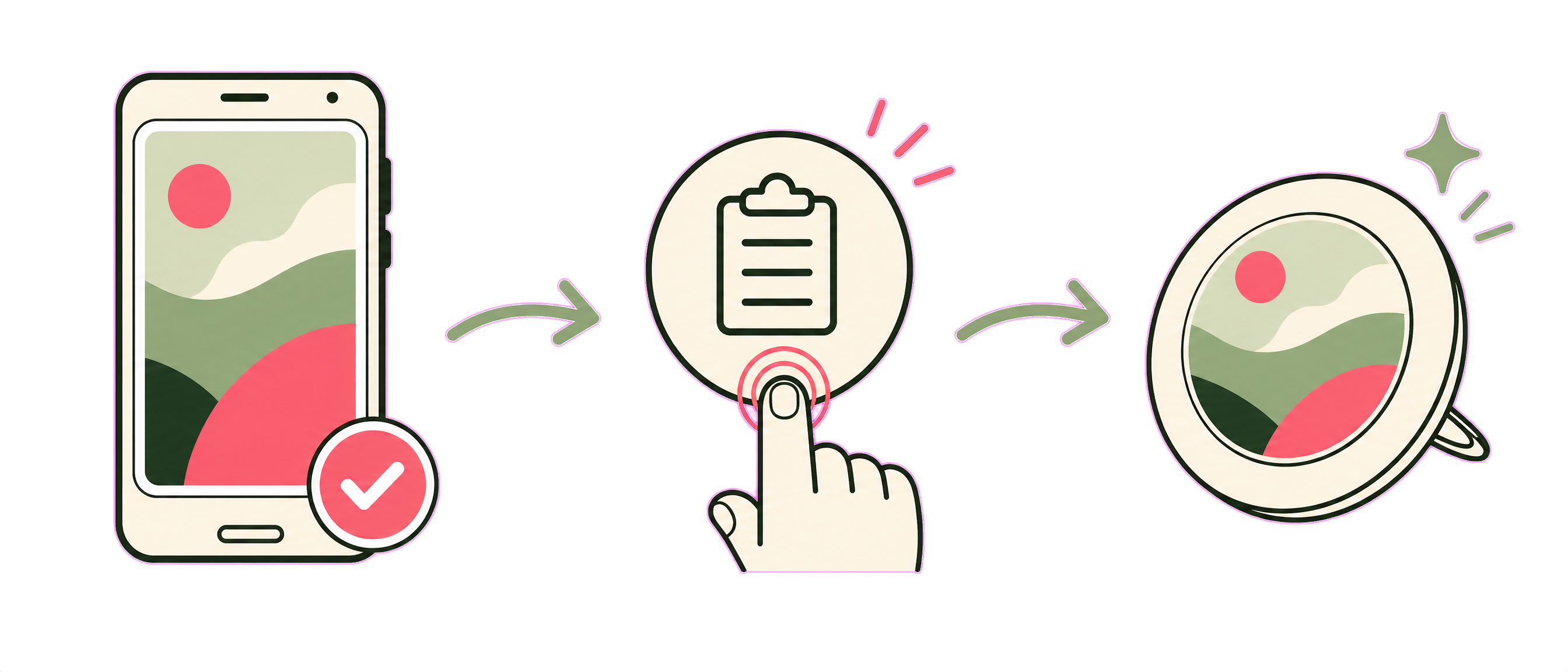
Copy a photo, tap the paste icon, it appears on your pin
Paste a Photo as a Sticker
Got a photo of yourself (or anything else) already copied on your phone or computer? Just tap the paste icon 📋 near the bottom of the pin — it drops that photo straight onto your design as a sticker you can move, resize, and rotate.
Black & White Filter Available
We have a black & white filter for this photo — tap the B&W button on the Person tool to switch it, or tap again to bring the color back.